

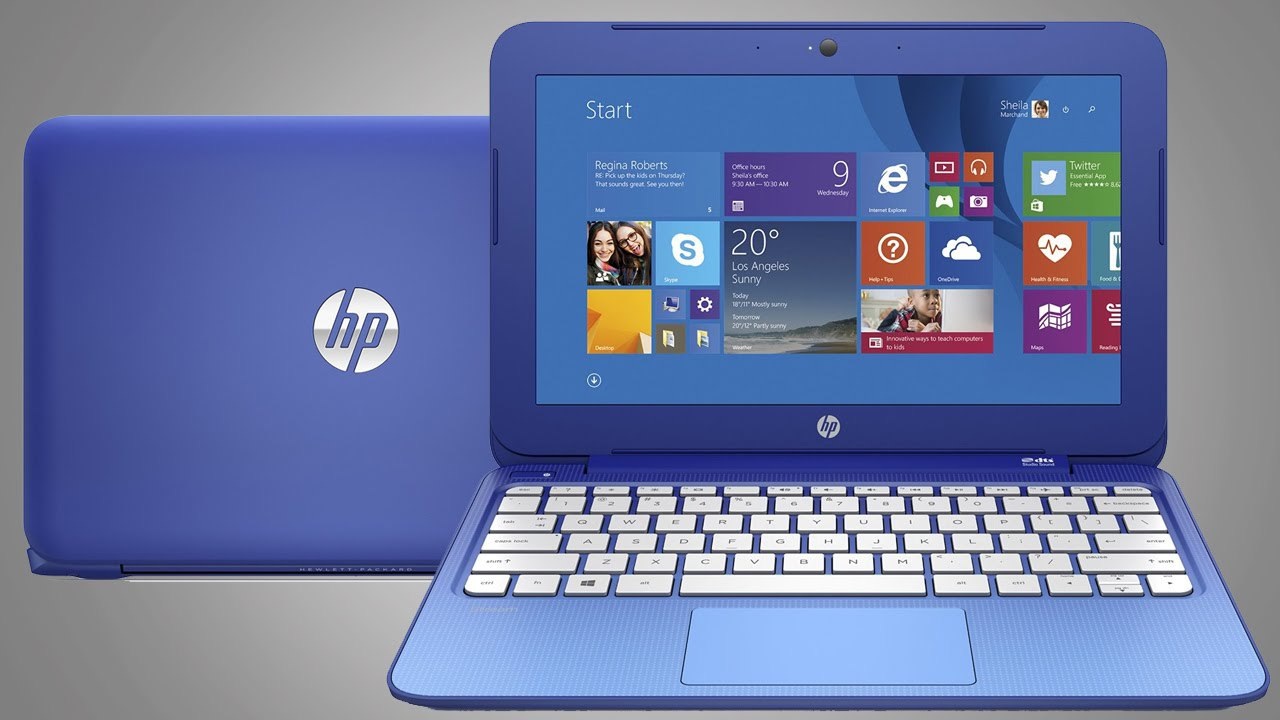
Common Errors and Issues in HP Laptops
HP laptops are known for reliability, but like any electronic device, they may experience hardware or software problems over time. Below are some of the most common errors and issues reported by HP laptop users.
1. Laptop Not Turning On
Symptoms:
Laptop does not power on
Power button light blinks but system doesn't start
Black screen with no display
Possible Causes:
Faulty motherboard
Dead battery
Power IC failure
Charger or DC jack issue
2. Overheating Problems
Symptoms:
Laptop becomes very hot
Fan running constantly
System slows down or shuts down automatically
Possible Causes:
Dust accumulation in cooling system
Faulty cooling fan
Old thermal paste
Heavy software processes
3. Blue Screen of Death (BSOD)
Symptoms:
Blue screen with error codes
System crashes unexpectedly
Laptop restarts automatically
Possible Causes:
Driver conflicts
Hardware malfunction
Corrupted operating system
RAM issues
4. Laptop Running Slow
Symptoms:
Slow startup
Applications taking long time to open
System freezing
Possible Causes:
Low RAM
Old hard drive (HDD)
Virus or malware infection
Too many startup programs
5. Battery Not Charging
Symptoms:
Battery stuck at certain percentage
Laptop only works when plugged in
Charging indicator not showing
Possible Causes:
Faulty battery
Charging port damage
Charger adapter problem
Power circuit failure
6. Screen Display Issues
Symptoms:
Blank screen
Flickering display
Lines on screen
Dim or dark display
Possible Causes:
Damaged LCD panel
Loose display cable
Graphics chip issue
Backlight failure
7. Keyboard Not Working
Symptoms:
Some keys not responding
Keyboard typing wrong characters
Entire keyboard not functioning
Possible Causes:
Dust or liquid damage
Keyboard hardware failure
Driver issues
Motherboard connector problem
8. Touchpad Not Responding
Symptoms:
Cursor not moving
Touchpad clicks not working
Possible Causes:
Disabled touchpad settings
Driver issue
Touchpad hardware failure
9. Wi-Fi or Internet Connectivity Issues
Symptoms:
Wi-Fi not detecting networks
Frequent disconnections
Slow internet speed
Possible Causes:
Network driver problems
Wi-Fi card failure
Router configuration issues
10. Hard Drive Failure
Symptoms:
Clicking sound from laptop
Data loss
Windows not loading
Possible Causes:
Hard disk damage
Bad sectors
File system corruption
11. Hinge Damage (Common in HP Envy / Pavilion)
Symptoms:
Broken or loose hinges
Screen separating from body
Difficulty opening laptop
Possible Causes:
Weak hinge mounts
Plastic frame damage
Frequent opening/closing
12. Laptop Fan Noise
Symptoms:
Loud fan noise
Constant spinning sound
Possible Causes:
Dust in fan
Worn fan motor
Overheating processor
13. USB Ports Not Working
Symptoms:
USB devices not detected
Charging ports not functioning
Possible Causes:
Damaged USB port
Driver errors
Motherboard issue
14. Liquid Spill Damage
Symptoms:
Laptop not turning on after spill
Keyboard malfunction
Short circuits
Possible Causes:
Water or liquid entering internal components
15. Operating System Boot Errors
Common Errors:
Boot device not found
Operating system missing
Automatic repair loop
Possible Causes:
Corrupted Windows files
Hard drive failure
BIOS configuration issue
Conclusion
Most HP laptop problems can be diagnosed and repaired by experienced technicians. Regular maintenance, software updates, and proper handling can significantly reduce the risk of hardware failures and system errors.
M/s Apex Systems
Unit No. 1X-119, 1st Floor, ILD Trade Center, Sector-47, Sohna Road,
Near Subhash Chowk, Gurugram, Haryana – 122001
Service Timings: 10:00 AM – 7:00 PM (7 Days Working)
Phone: 9654229501 | 9654098378 | 0124-4043770
WhatsApp: Chat on WhatsApp – 9899772714